
Transactions create better cost, cash, tax, and performance history than a simple holding list.
Getting started
Build your first portfolio the right way
Start with clean transaction data, confirm the numbers, then use the evaluator to understand concentration, risk, cash level, and next actions.
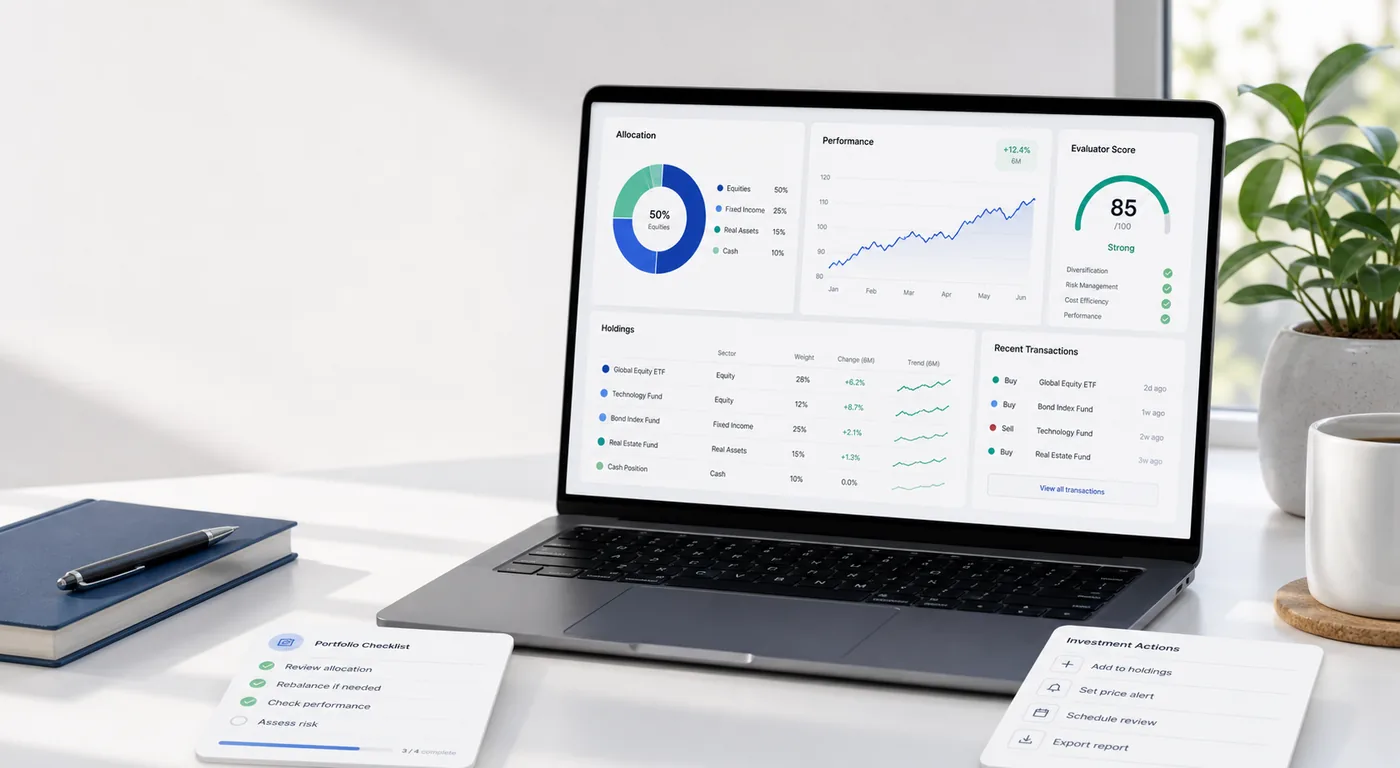
The evaluator works best when ticker, quantity, price, currency, and fees are correct.
Once the base is right, later buys, sells, reports, and reviews stay organized.
Tutorial path
Five steps from empty account to useful portfolio
1
Create the portfolio
Sign in, open Portfolio, create a new portfolio, choose a clear name, set risk level, and select your display currency.
Good names: Long-term account, ASK portfolio, Dividend account.
2
Add holdings as transactions
Add each buy with the real transaction date, ticker, quantity, price, currency, and broker fee. Use separate rows for separate purchases.
This gives AKSJENET enough context for cost, cash, performance, and tax views.
3
Check the overview
Compare the portfolio value, ticker quantities, currency conversion, sectors, and allocation charts against your broker account.
If something looks wrong, check ticker spelling, quantity, price, date, and currency first.
4
Run the evaluator
Open the evaluator to review score, confidence, exposure plan, concentration, holding quality, and market context.
Use the output as structured decision support, not as automatic trading instructions.
5
Keep it current
Add new buys and sells when they happen, record fees, review cash entries, and rerun analysis after meaningful changes.
The portfolio becomes more valuable as history builds up.
Have this ready
- Broker account or transaction export
- Correct tickers and exchanges
- Transaction dates
- Quantity, price, currency, and fees
- Portfolio risk level and display currency
Data issues that create confusing results
- Using the wrong ticker for stocks listed on more than one exchange.
- Entering total trade value as price per share.
- Forgetting the transaction currency.
- Combining several purchases into one average-price transaction when accurate history matters.
- Ignoring small fees that explain differences between AKSJENET and broker totals.
Good first goal
Start now
Create a usable portfolio in one focused session
Add your largest holdings first, confirm the total value, then run the evaluator. You can add older details later to improve history and tax accuracy.